


Your phone rings again, and it is a number you do not know. Then a text arrives, promising a prize you never entered. Spam calls and messages waste your time, and some of them try to trick you out of money. The good news is that your phone already has the tools to stop most of them, so you need no paid app. This guide shows you how to stop spam calls and messages on iPhone and Android, step by step.
How to Stop Spam Calls on iPhone
The strongest iPhone setting is Screen Unknown Callers, so start there. Open Settings, tap Apps, then tap Phone. Under Screen Unknown Callers, you have two useful choices. Ask Reason for Calling makes the caller say who they are and why they are calling, so you can decide before your phone rings. Silence sends calls from numbers you have not saved straight to voicemail, without ringing at all.
On older iPhones, the same idea is a single switch called Silence Unknown Callers, in Settings, then Phone. It works in the same way: unknown numbers go to voicemail, but real callers can still leave a message.
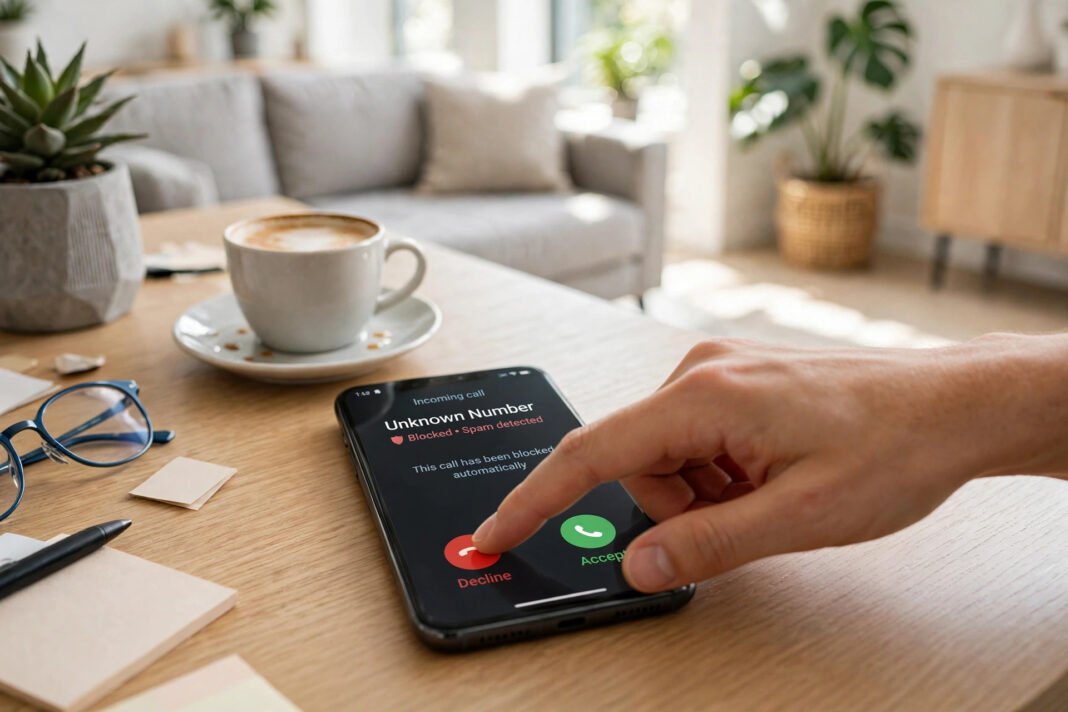
Turn on the spam filter too. In the same Phone settings, scroll to Call Filtering and turn on Spam. Calls your carrier flags as spam or fraud are then silenced and moved to a Spam list. So check that list if you are waiting for a call from a number you have not saved.
Live Voicemail helps as well, because it shows you the message before you answer. It shows a written version of the message while the caller is still speaking, so you can decide whether to pick up. Together, these settings mean your phone rings far less for strangers, and you still miss nothing important.
How to Stop Spam Calls on Android
On Android, the spam filter lives in the Phone app. Open the Phone app, tap the three-dot menu, then tap Settings, then Caller ID and spam. Make sure See caller ID and spam is on, so suspected spam is labelled before you answer. Then turn on Filter spam calls, so those calls do not ring or notify you at all.
Pixel phones add Call Screen. It answers calls from numbers it is unsure about, and asks who is calling and why. Then it shows you a live transcript, so you can decide whether to pick up. You can switch it on under Spam and Call Screen, in the Phone app settings, if your phone offers it.
On a Samsung Galaxy, open the Phone app, tap the three-dot menu, then tap Settings, then Caller ID and spam protection. Turn on Block spam and scam calls. The menus can look different by model and carrier, so search Settings for “spam” if the path looks different on your phone.
Block the Numbers That Keep Calling
Blocking is the right move for a number that calls again and again, because it stops that number for good. On an iPhone, open the Phone app, tap Recents, then tap the info button next to the number and choose Block this Caller. On Android, open the Phone app, tap Recents, tap the number, then tap Block, and tick Report spam if your phone offers it.
Blocking works best against the same number calling twice. However, scammers change numbers often, so blocking alone will not stop them all. That is why the filters in the last two sections matter more. They catch new numbers too, not just the ones you have already seen.
Filter Spam Messages Before They Reach You
Spam texts need their own fix, so do not stop at calls. On an iPhone, open Settings, tap Messages, then turn on Filter Unknown Senders. Messages from numbers not in your contacts move to a separate list, so your main inbox stays clean.
On Android, open the Messages app, then tap your profile icon or the three-dot menu. Tap Messages settings, then Spam protection, and turn it on. Suspected spam then goes to the Spam and blocked folder, so you can check it or delete it later.
When a spam text does reach you, report it in the app, because reports help everyone. On an iPhone, tap Report Junk under the message. On Android, tap Block, then tick Report spam. As a result, your phone and your carrier spot the same scam faster next time.
Never tap a link in a message you did not expect, and never reply to it. A reply can tell the sender that your number is live, so more spam may follow. If a message claims to be from your bank, do not use the link or number in the text. Instead, open your bank’s own app or call the number on your card. If scam texts suddenly increase, your number may have appeared in a data leak. Our guide on how to check if your password was leaked online shows how to check.
Report Spam So It Reaches Fewer People
Reporting is the step most people skip when they learn how to stop spam calls. It takes a minute, but it helps everyone. In the United States and the United Kingdom, forward a spam text to 7726, which spells SPAM on a keypad. Your carrier uses these reports to block the sender, so other people are protected too.
In Pakistan, forward the spam text to 9000 instead. Type the sender’s number first, then a space, then the message you received. You can also text REG to 3627 to join the Do Not Call Register, which covers marketing calls and texts. If a scam number is not blocked, report it to the PTA helpline on 0800-55055.
You can also report scam calls to your carrier, because most carriers run a free spam filter of their own. Ask your carrier to switch it on, or look for the filter in the carrier’s app. If your carrier has an app, the filter is often a switch inside it. Each report makes the filter smarter, so the next scam call has less chance of reaching anyone.
Habits That Keep Spam Away for Good
Settings do most of the work when you learn how to stop spam calls, but habits help too. Firstly, do not answer calls from numbers you do not know. Let them go to voicemail, because a real caller will leave a message. Secondly, do not share your number on public forms or social media posts, because spammers collect numbers from open pages.
Thirdly, keep your phone software up to date, because spam filters improve with each update. So an old phone misses the newest protection. Finally, limit what your phone shares about you. Our guide on how to turn off location tracking on your phone shows one easy place to start. And our guide on is your phone listening to you shows how to check microphone access.
Spam will not vanish overnight, but these steps cut it down fast. Now you know how to stop spam calls and messages. So turn on the filters today, block the worst numbers, and report the ones that slip through. How many spam calls did you get this week? Try the settings above, and your phone will soon be much quieter.