Pakistan Online Visa for Afghanistan: How Afghan Citizens Apply (2026 Guide)
If you are an Afghan citizen planning to visit Pakistan — for family, medical treatment, business or study — this is your complete walkthrough of the Pakistan Online Visa System: creating your account, filling the form, uploading documents, and tracking your application to approval.
Quick answer: Afghan citizens apply at visa.nadra.gov.pk (the Pakistan Online Visa System). The application is free for Afghans (except work visas), takes around four weeks, and requires a 6+ month valid passport, a white-background photo, and an invitation letter or hotel booking. Interviews may be required. Never use third-party agents.
In this guide
The Official Portal
The Pakistan Online Visa System (POVS) at visa.nadra.gov.pk is run by NADRA for the Directorate General of Immigration & Passports and covers citizens of 179 countries. It is the only legitimate site for a Pakistan e-visa — any other website offering “Pakistan visa services” for a fee is not official. The Pak ID mobile app redirects visa applicants to this same web portal, so complete your application in a desktop or mobile browser.
Application Walkthrough
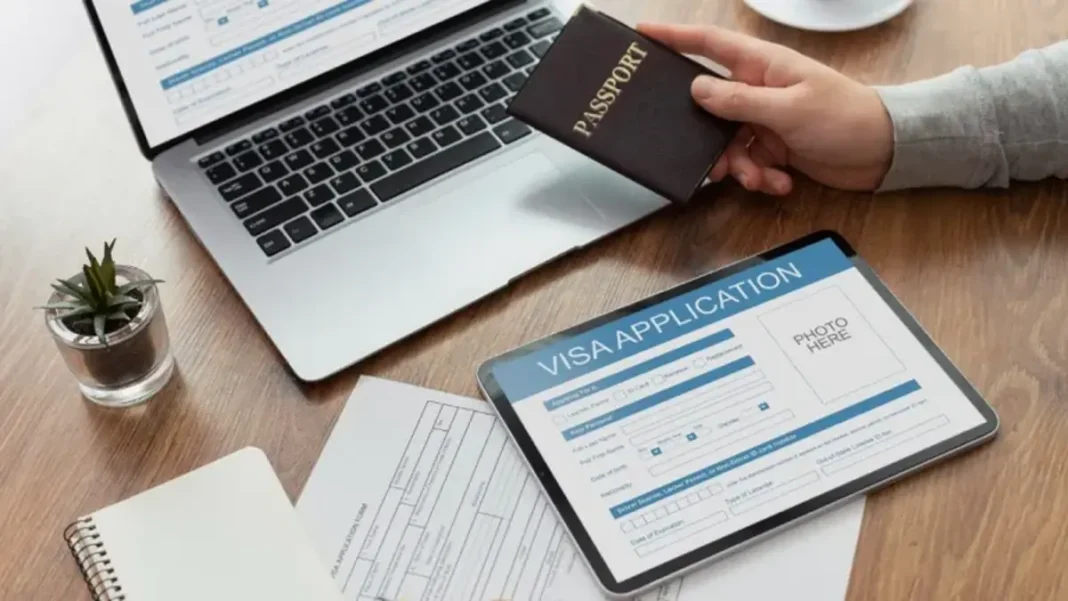
1. Register. Create an account with a valid email address you control — all status updates and queries come through the portal. 2. Choose your category. Visit/family, tourist, business, medical, student or work — match it to your real purpose; the wrong category is a leading cause of rejection. 3. Complete every field. Fields marked (*) are mandatory, and your data is verified by the relevant departments — blank columns trigger queries. 4. Upload originals. Photo (max 200 KB, white background, full face, no hat or sunglasses), passport bio page, invitation letter or hotel booking, and category documents. No photocopies, faxes or emailed documents are accepted. 5. Submit. Afghan applicants skip payment for all categories except work visas. Save your tracking/reference number.
For the full policy picture — fees, processing times and visa types — see our Pakistan online visa pillar guide and Pakistan visa requirements guide.
After Submitting: Tracking & Interview
Track your application on the portal with your reference number. If the portal flags a document problem, resubmit within 7 days — the application is cancelled otherwise. Afghan applicants should expect around four weeks of processing and should be prepared for an interview: the applicant’s physical presence may be required at a Pakistan Mission before issuance. If your case goes well beyond the expected time, raise a query through the POVS contact page or approach the nearest Pakistani embassy or consulate — and apply 6–8 weeks before travel to keep a buffer.
Entering Pakistan: What to Expect
Once approved, you receive an electronic authorisation — print it and carry it with your passport. The visa is valid for entry for 6 months from the date of issue; an unused visa lapses. At the port of entry (airports including Islamabad, Lahore, Karachi and Peshawar, plus designated land crossings), immigration officers verify your documents and place the entry stamp. Keep your invitation letter and return/onward travel proof handy — officers may ask for them.
How do I check my Pakistan visa application status?
Log in to visa.nadra.gov.pk with your account and tracking/reference number. All updates — document queries, interview calls, approval — appear on the portal.
My documents were rejected — what now?
Re-upload corrected originals within 7 days through the portal. The application is cancelled if you miss the window, and you would need to start over.
Can I travel while my application is pending?
No — wait for approval. There is no visa on arrival (suspended since 1 January 2026), so you cannot board without an approved e-visa.