Passport Check Online Pakistan: Track Your Application by SMS, Portal & Email
Waiting on a Pakistani passport? You don’t need to visit the office or queue on the helpline to know where it stands. DGIP offers three ways to check your passport status: SMS to 9988, the online tracking portal, and email for overseas applicants. This guide covers all three, what each status message means, and what to do when your application stalls.
Quick answer: SMS your 11-digit token number (from your application receipt) to 9988 for an instant status reply. Or track online via the DGIP portal using your token number and date of birth. DGIP also pushes status updates to your registered mobile from 9988 automatically. Overseas applicants can email with their Online Tracking ID and CNIC.
In this guide
Method 1: SMS to 9988
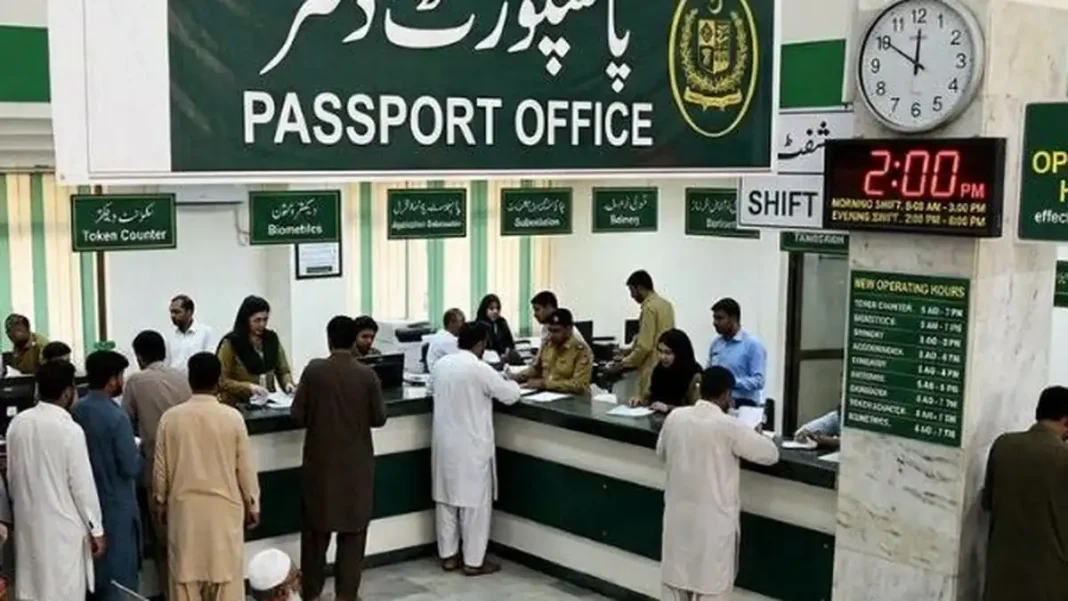
The fastest method. Send your 11-digit token number — printed on the receipt you received at the passport office — as a text message to 9988. You’ll get an automated reply with your current status (standard SMS charges of roughly Rs 2–5 apply). Common mistake: sending your CNIC number instead of the token number — that returns an invalid-query error. Send only the exact 11 digits from your slip.
Method 2: DGIP online tracking portal
On the DGIP website (dgip.gov.pk), use the tracking section: enter your token number and date of birth to pull your live application status. Note: as of October 2026, DGIP’s public tracking forms have shifted over time — if the portal doesn’t show a form, rely on SMS 9988 and the helpline (051-111-344-777). Never enter your CNIC or token number on third-party “tracking” websites; they are not DGIP and your data isn’t safe with them.
Method 3: Email (overseas applicants)
If you applied online from abroad, contact the Online Passport Section at mrponline@dgip.gov.pk with your Online Tracking ID and CNIC. DGIP’s Email Rabta service also pushes updates to overseas applicants automatically. Processing abroad takes longer: 4–6 weeks for Normal, 2–3 weeks for Urgent.
What the status messages mean
- Application Received / Under Process — verification underway: security checks, biometrics, documents. The longest stage (5–15 working days).
- Sent for Printing / Printing in Progress — verification complete; the passport is at the printing facility in Islamabad.
- Dispatched / Ready for Collection — printed and sent to your office or courier. Collect within 30 days with your original token.
- Deferred — held for missing documents or verification queries; DGIP says it informs you by phone.
What to do if it’s stuck
First, check the status hasn’t simply updated — then verify your token number is typed correctly. If the application has crossed its window (21 working days Normal / 5 Urgent / 2 Fast Track), call 051-111-344-777 or email opts@dgip.gov.pk with your name, mobile, CNIC, token number and address. Still stuck? File on the Pakistan Citizen’s Portal. Common delay causes: peak-season backlog, security verification queries, biometric mismatches, or name-change cases.
Related Guides
Passport tracking: FAQs
How do I check my passport status by SMS?
Send your 11-digit token number (from your receipt) to 9988. You’ll receive your current status by automated reply.
What is my passport token number?
The unique 11-digit reference printed on the receipt issued when you submitted your application at the passport office.
Can I track with my CNIC number?
Some DGIP channels accept the CNIC as a backup, but SMS tracking to 9988 needs the token number — sending the CNIC there returns an error.
My status hasn’t changed in weeks. What now?
Confirm the token number is correct, then call 051-111-344-777 or email opts@dgip.gov.pk with your details. If still unresolved, complain via the Pakistan Citizen’s Portal.