Every modern device can screen record without extra apps. Learning how to screen record saves lessons, calls, and game moments. In addition, recordings help you show a problem to support staff. This guide explains how to screen record on each platform.
iPhone, Android, Windows, and Mac all include built-in recorders. Each tool hides in a slightly different place, however. As a result, many people never find the button at all. The steps below, in short, take under a minute each.
Choose your device section and follow the steps in order. Moreover, test a short clip before any important recording session. Finally, check the sound settings if you need your voice included. A quick test, indeed, prevents a silent and useless video.
How to Screen Record on iPhone
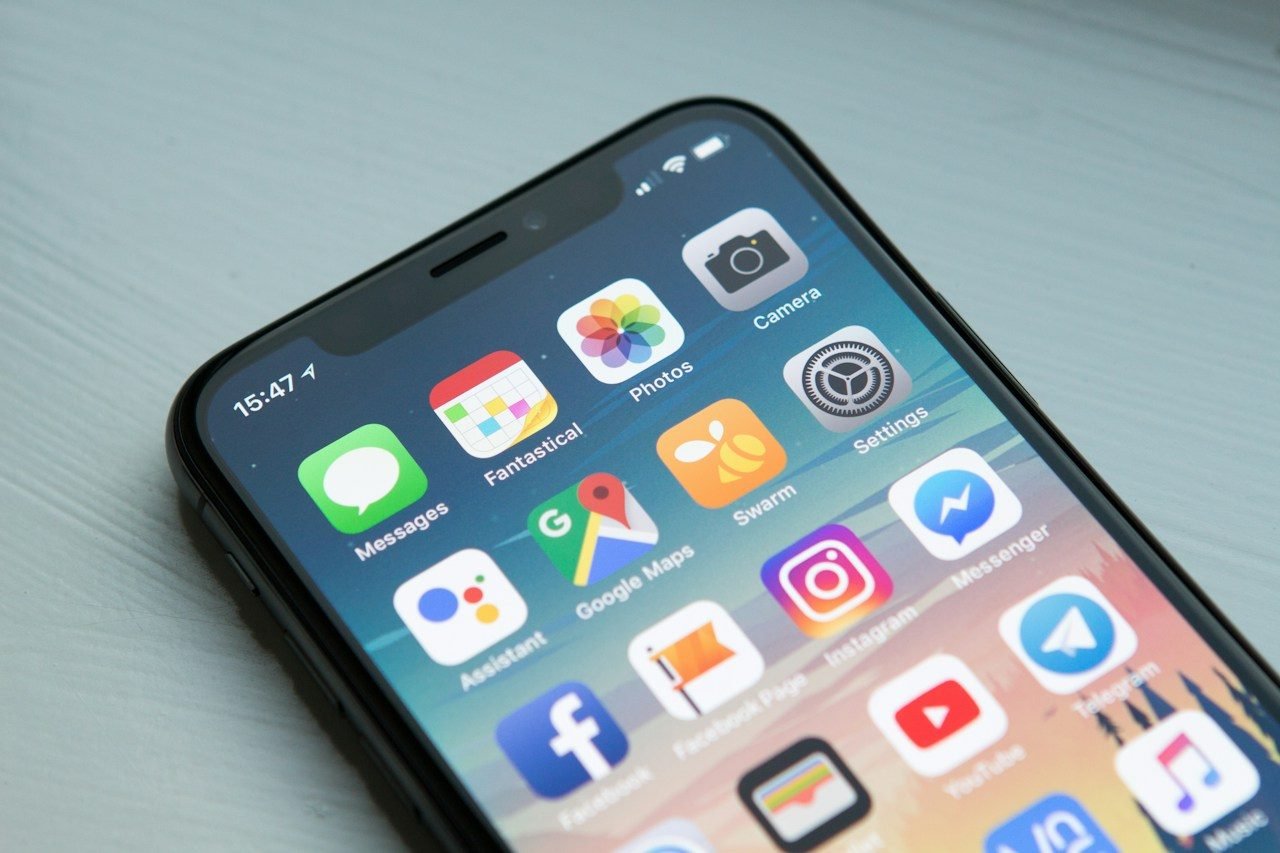
First, add the recorder button to Control Centre on iPhone. Open Settings, tap Control Centre, and add Screen Recording there. Then swipe down and tap the round record button, meanwhile. A three-second countdown starts, and recording begins right after.
Tap the red bar or the button again to stop. The video then saves straight into the Photos app automatically. For voice narration, long-press the button and enable the microphone, for example. Our iPhone speed-up guide helps if the phone feels sluggish while recording.
How to Screen Record on Android
Most Android phones hide the recorder in Quick Settings. Swipe down twice and look for the Screen record tile. If it is missing, tap the pencil icon and add it. In fact, Samsung, Pixel, and Xiaomi all include this tool.
Tap the tile and choose your sound preference next. You can record device sound, microphone, or both together, consequently. Then tap Start and wait for the short countdown bar. A floating button, in addition, lets you stop anytime.
How to Screen Record on Windows
Windows includes a recorder inside the Xbox Game Bar. Press the Windows key and G together to open it. Then click the record dot inside the Capture panel, instead. The tool records the active app window, not the whole desktop.
Press Windows, Alt, and R to start or stop quickly. Recordings land inside the Captures folder under Videos, meanwhile. The Microsoft guide to Game Bar recording lists every shortcut clearly. For desktop recording, however, the Snipping Tool offers a video mode too.
How to Screen Record on Mac
Mac computers open their recorder with one keyboard shortcut. Press Command, Shift, and 5 together to reveal the toolbar. Choose full screen or a selected portion of the display. Then click Record, and the capture starts after a countdown.
Click the stop icon in the menu bar when finished. A thumbnail appears briefly in the corner of the screen. As a result, you can trim the clip before saving it. Files save to the desktop unless you change the folder.
Tips for Clear and Small Recordings
- Turn on Do Not Disturb before you start recording.
- Close private tabs, chats, and notifications in advance.
- Plug in the charger for long recording sessions.
- Record in a quiet room when narration matters.
- Trim the start and end inside the gallery editor.
Long recordings quickly fill storage on phones and laptops. Move finished clips to cloud storage or a computer regularly. Our guide to freeing phone storage shows safe ways to clear space. Smaller files, in other words, share faster with everyone.
Frequently Asked Questions
Why does my recording have no sound?
The microphone or system sound was probably turned off. Open the recorder options and enable the sound source you need, though. Some apps also block audio for copyright reasons, in fact. Test with a normal video first, for instance, before recording calls.
Can I record streaming movies and calls legally?
Many streaming apps block recording and show a black screen. Recording other people in calls may also need their permission, meanwhile. Laws differ by place, so check your local rules first. When unsure, finally, ask before you press record.
Where do my screen recordings get saved?
Phones save recordings in the gallery or Photos app by default. Windows places clips inside the Captures folder under Videos, instead. Mac saves files on the desktop unless settings say otherwise. A quick search, consequently, finds any clip within seconds.
Practice once today and the steps will stick for good. Screen recording, in short, turns explanations into clear visual proof. Your future support chats will thank you for it.