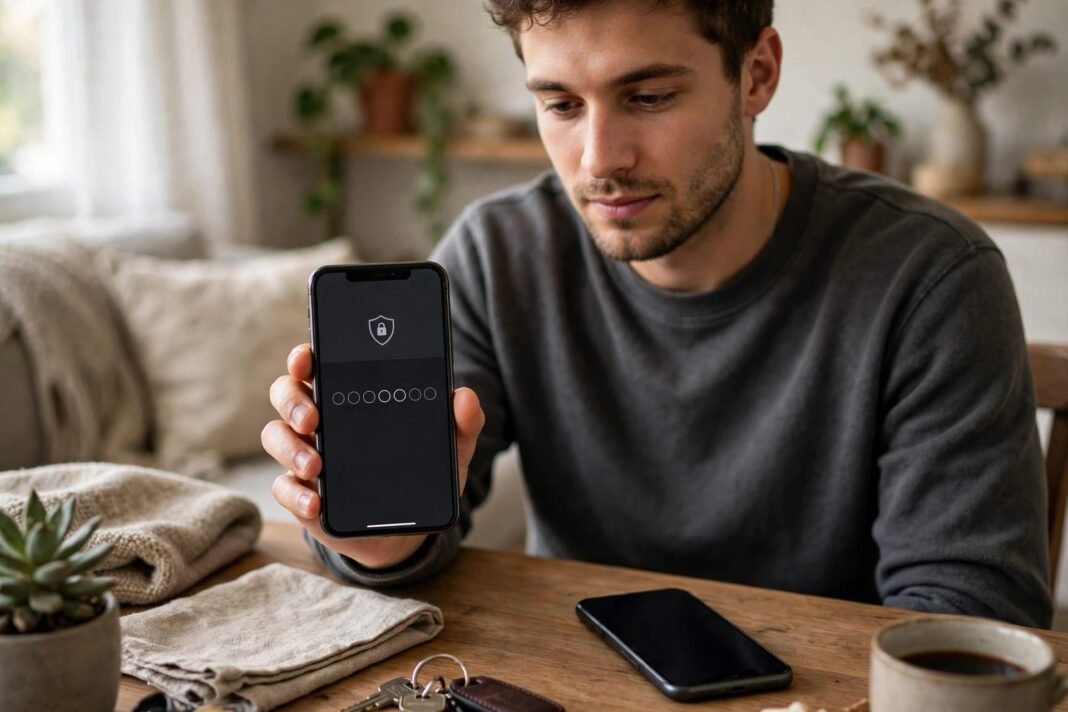



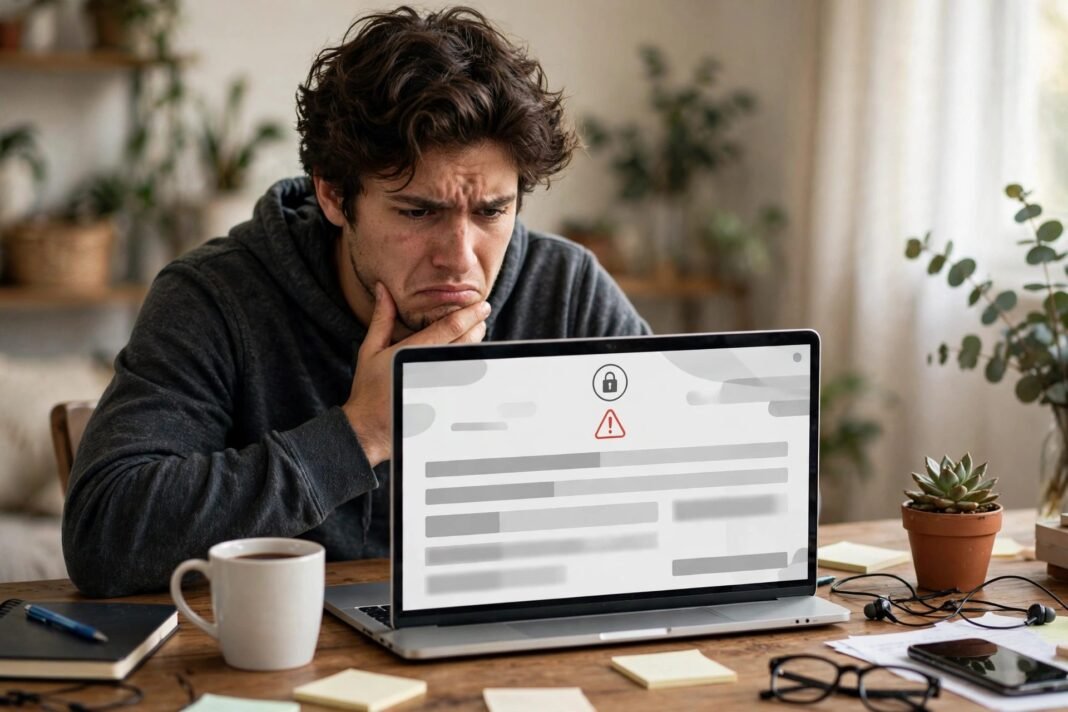
You try to log in and see a Facebook account disabled message that stops you cold. Years of photos, messages, and friends feel gone in a second. Before you panic, know this: many disabled accounts can be appealed, and some come back.
A Facebook account disabled notice means Facebook decided the account broke its rules. But those decisions are often made by automated systems, and they can be wrong. This guide explains the difference between a temporary block and a permanent ban, and how to appeal the right way.
Suspended or Disabled? What Your Facebook Account Disabled Notice Means
Facebook uses two words that sound alike but mean different things. A suspension pauses your account for a time, and you can usually appeal it. A permanent disablement closes it for good.
Read your notice carefully. It will say whether you can request a review. If it offers an appeal, act on it. If it says the decision is final, the options are much narrower.
A disabled account is also different from a locked one. A lock is a security pause while Facebook checks your identity. A disable is a rule decision. The unlock steps will not fix a disable, and an appeal will not fix a lock.
Why Facebook Disables Accounts
Facebook disables accounts that break its Community Standards. In most cases, it warns you first. If you keep posting content that breaks the rules despite repeated warnings and restrictions, Facebook may disable the account.
Meta uses a strikes system. After five strikes, you may face 30-day restrictions from creating content, or Facebook may remove your account. The result depends on how serious and how frequent the violations are.
Some violations are severe enough to disable an account after one occurrence. Facebook also disables some accounts as soon as it finds them. These include accounts of dangerous individuals, accounts made to get around a ban, and accounts that misrepresent who the person is.
Facebook can also act on signals such as liking or saving violating content, or being a member of Groups that Facebook removed for serious rule-breaking. In addition, automated systems make mistakes, and they sometimes disable innocent accounts by error. You can read how Meta disables accounts on its own Transparency Center page.
The 180-Day Appeal Window You Should Not Miss
Meta gives you a limited time to appeal a suspension. You can usually appeal within 180 days, although the exact period can vary by region. After that window closes, Meta disables the account for good.
A failed appeal can also end the road. If the review keeps the decision, the account usually stays closed for good. That is why your first appeal matters so much.
So do not wait. A Facebook account disabled notice starts the clock on the day Facebook acted, not the day you noticed it. Screenshot the full notice with the date, and start your appeal as soon as you can.
How to Appeal a Facebook Account Disabled by Mistake
The appeal starts where you see the notice. Log in to Facebook on your usual phone or computer. The disabled notice should offer a review or appeal option on that screen. Follow it and complete each step.
If the notice does not show an appeal option, check Accounts Centre. Some appeals now open from there. Use the device and network you normally use, because Facebook trusts familiar ones.
There is no single appeal form for disabled accounts anymore. Old form links in forums and videos often redirect to a help page or a support assistant instead. So start from the notice in the app, not from a link someone sent you.
Appeal once, and appeal clearly. Sending the same appeal again and again does not speed things up. In fact, it can slow your case down.
What to Write in Your Appeal
Keep your appeal short, polite, and factual. State your full name as it appears on your profile. Add the email address or phone number linked to the account. Then explain in a few lines why you believe the disable was a mistake.
Stick to facts. If you think an automated system made an error, say so plainly. If someone else used your account, explain what happened. Do not blame, threaten, or write a long essay. A clear, calm appeal is easier for a reviewer to act on.
If your account was hacked before it was disabled, say that too. A hacked account can post rule-breaking content without you knowing. In that case, also read our guide to recovering a hacked Facebook or Instagram account.
Check your message before you send it. A short appeal with the right details beats a long one with none.
What ID to Send With a Facebook Account Disabled Appeal
Facebook may ask for proof that the account is yours. The usual rule is one government-issued photo ID, such as a passport, a driving licence, or a national ID card. In some cases, Facebook accepts two non-government documents instead, such as a student card or a work ID.
Take a clear photo of the ID in good light. Make sure the whole document is in the frame and the details are easy to read. Blurry photos, screenshots, and photocopies can be rejected.
Above all, make sure the name on your ID matches the name on your profile. A mismatch is one of the most common reasons appeals fail. If your legal name has changed, include a document that shows the change.
Only send your ID through Facebook’s own appeal process. Never send it to anyone who contacts you by message, email, or WhatsApp.
How Long Does a Facebook Account Disabled Review Take?
Meta does not give a fixed time for appeal reviews. Some reviews finish in a day or two. Others take longer, especially when the case is complex or the queue is long.
Watch the email address linked to your account. Facebook sends its decision there. You can also check your Support Inbox for updates on your case.
While you wait, do not create a new account. Facebook also closes accounts that people make to get around a restriction, so a new account can disappear too. It will not restore your old photos, friends, or messages.
If weeks pass with no answer, you can check the notice screen again for a status update. But do not submit the same appeal over and over. Patience is part of the process.
What to Do If Your Appeal Is Rejected
A Facebook account disabled after a rejected appeal is usually gone for good. In most cases, Meta’s decision after a review is final, and there is no second appeal inside Facebook. You usually lose your photos and messages on that account with it.
If you live in the European Union, you have one more route. After Meta’s own appeal, you can take the case to the Appeals Centre Europe, an independent dispute body under the Digital Services Act. It handles cases after the platform’s own process is finished.
Meta’s Oversight Board also takes a small number of content decisions, but only after Meta’s appeal is complete. It does not take every case.
If no route is left, the honest answer is to start fresh. Create a new account with a strong, unique password, turn on two-factor authentication, and keep your contact details up to date. Our guide to creating a strong password you can actually remember can help.
Watch Out for Appeal Scams
Disabled accounts attract scammers. They promise to restore your account for a fee, and they flood comments and messages with fake offers. Do not pay them. No outside person can overturn a Facebook decision for money.
Meta has no general public phone number for customer service. Any number that claims to be Meta support is almost certainly a scam. Meta also has no appeal email address for disabled accounts.
Meta will never ask for your password, your login codes, or payment to process an appeal. Messages from “Meta Support” in direct messages, comments, or WhatsApp are not how Meta contacts you.
Official Meta pages live only on facebook.com, instagram.com, meta.com, threads.com, or business.facebook.com. Always check the address bar before you type anything.
How to Protect Your Account After a Facebook Account Disabled Scare
Whether your appeal succeeds or not, the scare is a lesson. First, read the Community Standards section your notice named, so you know what rule was involved. Then check your account for anything you did not post.
Turn on two-factor authentication, use a strong password you do not reuse anywhere, and keep your email and phone number up to date. These steps make it harder for someone else to get into your account.
Be careful with Groups and pages you join. Facebook can act on membership in Groups that it removed for serious violations, so leave any group that breaks the rules.
Has your Facebook account ever been disabled? Did an appeal bring it back? Share your story in the comments, because your experience might help another reader.
This article is for general information only. Facebook changes its appeal process often, so the screens you see may look different from the ones described here.