



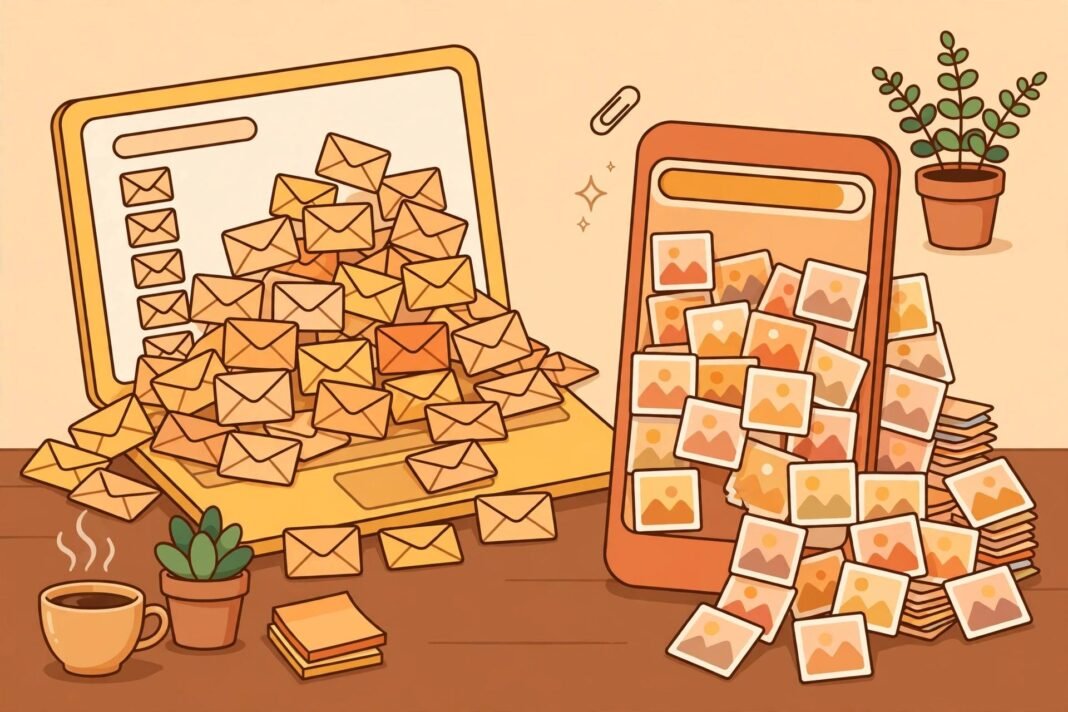
Seeing a gmail storage full warning can feel worrying. After all, new emails may bounce back to the people who sent them. As a result, you could miss a job offer, a bill, or a family message. However, you do not need to delete important mail to fix this problem. Instead, you can clear the hidden clutter that fills most accounts. In fact, the steps below fix the problem for most people in one sitting.
First, it helps to know what fills your space. Google gives every free account 15 GB of storage. However, Gmail, Google Drive, and Google Photos all share that same space. So one long video in Photos takes room that your emails also need. Similarly, large files in Drive leave less space for new mail. Once you see this link, the fixes below make much more sense.
First, Check What Is Using Your Space
Start by opening one.google.com/storage in your browser. There, Google shows a simple chart of your storage use. The chart splits your space between Gmail, Drive, and Photos. As a result, you can see which service causes the problem. For example, many people find that Photos uses far more than Gmail. The same page also suggests large items you can review and delete. Of course, Google also sells extra storage on that page. Still, try the free fixes below before you pay for more space.
You can also check the same chart inside the Google One app on your phone. Tap the Storage tab to see the same split of Gmail, Drive, and Photos. In addition, the app lists large files and old emails in one place. As a result, you can start the whole clean-up from your phone in minutes.
Delete Large Attachments to Fix Gmail Storage Full Problems
Next, open Gmail and click the search bar at the top. Then type has:attachment larger:10M and press Enter. This search finds every email with a file larger than 10 MB. Often, old presentations, videos, and photo sets sit inside these messages. Before you delete anything, download the files you still need. After that, select the emails you no longer want and delete them. In addition, you can search larger:25M to find the very biggest files first.
You can also hunt for old mail that you no longer need. Type older_than:2y in the search bar to find mail older than two years. Then scan the results carefully before you delete anything in bulk. Newsletters, offers, and one-time codes usually fill these old pages. However, keep bank, legal, and family messages that still matter to you.
You can also gather mail by sender with the from: search. For example, type from: and a shop’s name to list all of its offers at once. Then scan the pile quickly and delete it in one go. This method clears years of sale alerts in just a few clicks.
Empty the Trash and Spam Folders
Deleting an email does not free space right away. Instead, deleted mail waits in Trash for 30 days. Meanwhile, it still counts toward your storage limit. So open Trash and click Empty Trash Now to free the space at once. Similarly, open Spam and delete all the messages there too. This simple step often surprises people with how much space it gives back.
Clear Big Files From Drive and Google Photos
Now look at Google Drive, especially if the chart blamed Drive. Open the Storage page in Drive to sort your files by size. Then delete large videos, installers, and old backups you no longer need. Remember to empty the Drive trash as well, for the same reason as Gmail. Files that other people share with you do not count toward your space. Only the files you own use your storage. If your phone itself is full too, our guide on how to free up storage on your phone gives simple steps that help.
Photos can also eat a huge share of your space. In Google Photos settings, turn on Storage Saver to store slightly smaller copies. Next, delete blurry photos, screenshots, and long videos that you no longer want. In addition, check your Archive for old files you forgot about long ago. iPhone users often face the same squeeze with iCloud. So our guide to free up iCloud storage without paying may help them too.
Stop Junk Mail So Gmail Storage Full Warnings Stay Away
Finally, stop new clutter from filling the space again. Open a junk email and click the Unsubscribe link near the sender’s name. Then block senders who keep mailing you even after that. In addition, turn off email alerts from apps and shops you rarely use. As a result, your inbox grows much more slowly each month. Best of all, you spend less time deleting mail by hand.
Gmail Storage Full: Common Questions
Does deleting emails free space right away? No, it does not. Deleted mail sits in Trash for 30 days and still uses space. So empty Trash yourself when you want the space back at once.
Will I lose important files if I delete large emails? Not if you download the attachment first. Save the file to your computer, and only then delete the email itself.
What happens if my storage stays full? New emails bounce back to the people who sent them. Also, you cannot add files to Drive or back up new photos. You regain those features only after you free some space.
Should I just buy more storage? Extra space helps, but it also fills up without a clean-up habit. Most people find that the free fixes give back enough room. So clean first, and pay only if you still need more space.
In short, a full account rarely needs paid storage or lost memories. A quick clean-up of big files, trash, and junk mail usually solves it. So, which step freed the most space in your account?