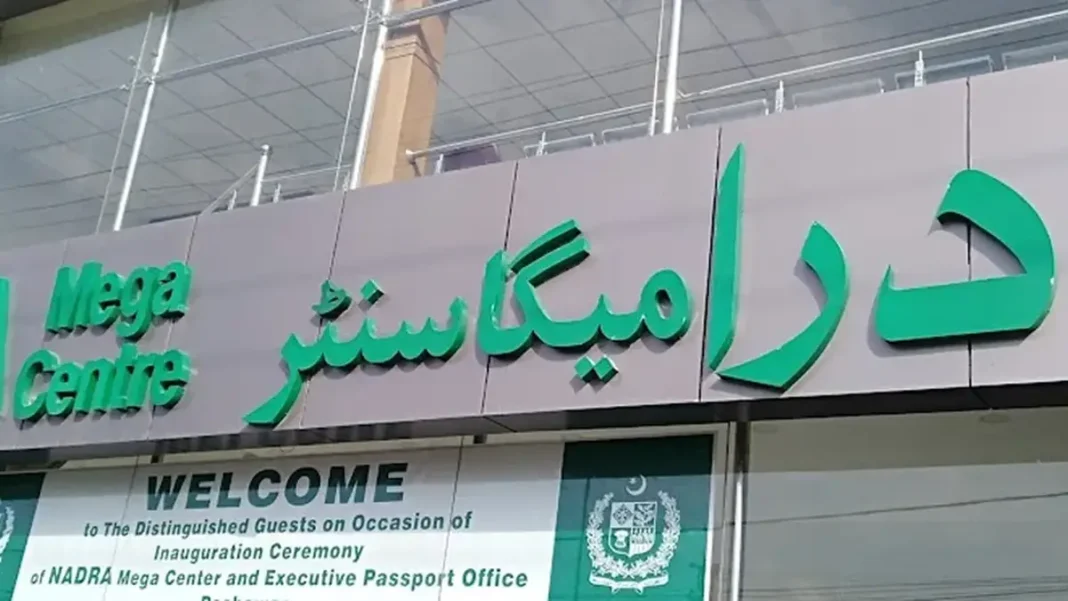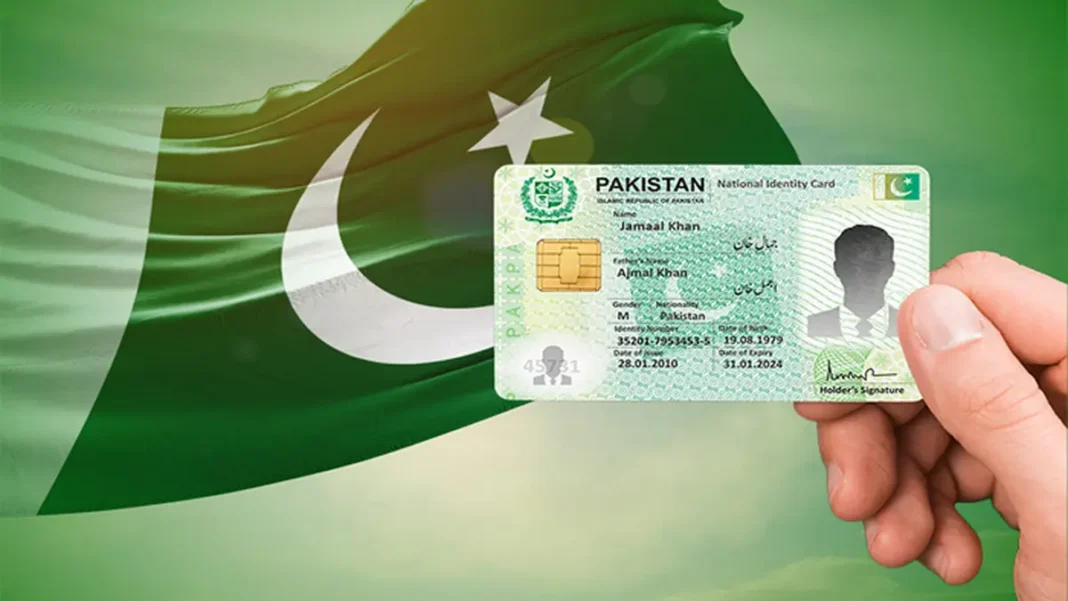
Pak Identity is the name most Pakistanis now associate with NADRA’s online services — but what exactly is it, and what can you do with it? In short, it is the official digital channel of the National Database and Registration Authority, available as a website at id.nadra.gov.pk and as the Pak-ID mobile app. Through it, citizens renew CNICs, correct their records, order reprints, get Family Registration Certificates and apply for NICOPs without standing in line at a registration centre.
Quick answer: Pak Identity is NADRA’s official online portal (id.nadra.gov.pk) and mobile app for CNIC renewal, modification, duplicate cards, FRC and NICOP applications. It is free to register; you pay only NADRA’s standard service fees — Rs 750 for a normal Smart NIC renewal in 2026.
In this guide
What Pak Identity Actually Is
Before Pak Identity, dealing with NADRA online meant a clunky web form and a trip to the office anyway. Pak Identity rebuilt the experience around the smartphone: the Pak-ID app captures your photo, verifies you with a face scan or fingerprints, takes payment through JazzCash, EasyPaisa or bank cards, and tracks the application to your doorstep. The web portal at id.nadra.gov.pk offers the same services for desktop users.
The platform covers the full lifecycle of a Pakistani identity document. Whether your CNIC has expired, your address has changed, you have lost your card, or you need a Family Registration Certificate for a visa application, the starting point is the same account. For a complete overview of every service, see our Pak Identity pillar guide.
What You Can Do With It
The service menu inside Pak Identity includes:
- CNIC renewal — expired or expiring cards, fully online
- CNIC modification — name, address, marital status and date-of-birth corrections
- Duplicate / reprint — for lost, stolen or damaged cards
- Family Registration Certificate (FRC) — see the FRC guide
- NICOP — for overseas Pakistanis renewing from abroad
- Application tracking — real-time status in the app or by SMS to 8400
One thing it cannot do: issue a first-ever CNIC. Biometric capture for new applicants still requires an in-person visit to a NADRA Registration Centre.
Is It NADRA’s Official Service?
Yes — with one critical check. NADRA’s genuine digital addresses end in .gov.pk. The portal is id.nadra.gov.pk and the app is published by the “National Database and Registration Authority” on the Play Store and App Store. Copycat sites ending in .com or .pk that charge “service fees” for NADRA applications are not NADRA, and using them risks both your money and your personal data.
Getting Started
Download the Pak-ID app or visit id.nadra.gov.pk, register with your CNIC number, mobile number and email, and complete the biometric verification step. Our step-by-step Pak ID app guide walks through registration with screenshots of each stage, and the online application guide covers the full process from login to home delivery.
Is Pak Identity free to use?
Registering and using the portal is free. You pay only NADRA’s official service fees — for example Rs 750 for normal Smart NIC renewal in 2026 — plus about Rs 165 if you choose courier delivery.
Can I use Pak Identity from abroad?
Yes. Overseas Pakistanis use Pak Identity to renew or apply for NICOPs from anywhere in the world, with zone-based USD fees.
What if my fingerprints don’t scan?
The app falls back to facial verification. If biometrics fail repeatedly, NADRA centres offer fingerprint verification alternatives for citizens with faded prints.
Related Pak Identity Guides