


You tap “send code” and wait, but the code never lands. An otp not received error can lock you out of your bank, your email, or a shopping account at the worst possible moment. However, the code usually did leave the sender. Instead, something small on your phone or your number stopped it on the way. So this guide explains each real cause in turn, and every cause comes with a simple fix. Work through the checks in order, because the first one often solves it.
OTP Not Received? Check the Basics First
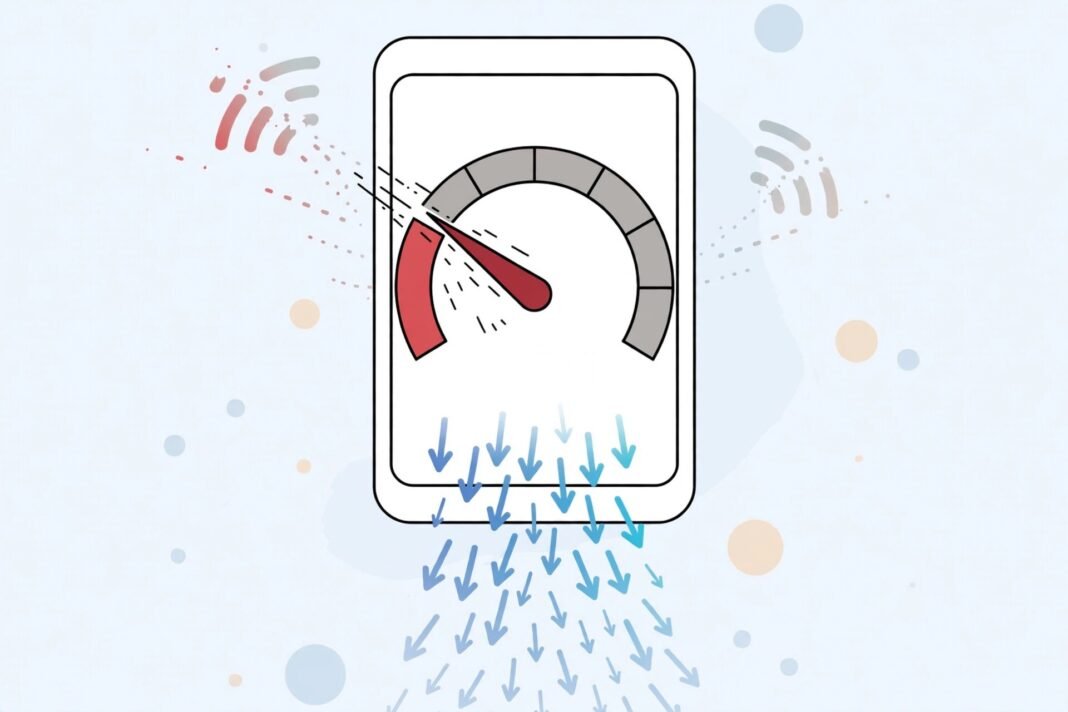
First, look at your signal bars. A weak signal delays text messages, so a code can arrive many minutes late. Airplane mode causes the same problem, because it cuts your phone off from the network completely. So move near a window or step outside, then request a fresh code. Also, turn airplane mode on for ten seconds, then switch it off again. As a result, your phone reconnects to the network, and stuck messages often arrive together.
Next, check the number saved on your account. If the number is old or has a typing mistake, the code goes to the wrong place. Update the number in your account settings wherever you can, then try again. Meanwhile, look at your message inbox, especially on an older phone. Basic phones store only a limited number of texts, and a full store blocks new ones. Therefore, delete old texts you no longer need, especially piles of old codes. After that, request one fresh code and watch the inbox closely.
The Code May Be Blocked or Sent Somewhere Else
Sometimes the code arrives safely, but your phone hides it from you. Many phones filter messages from unknown senders into a spam or blocked folder. For example, short codes from banks and apps often land in that folder by mistake. So open your messages app and check the spam and blocked sections with care. Also, review your blocked numbers list, because a blocked sender can never reach your inbox at all.
In addition, the code may not be a text message at all. Some services send the code to your email, so check your email inbox and spam folder too. Others use an authenticator app, which shows a fresh code inside the app itself. In that case, open the app instead of waiting for a text that will never come. Dual-SIM phones add one more twist, because the code may go to your other number. Therefore, check both inboxes, and confirm which number the account holds.
Still OTP Not Received? Slow Down and Check the Clock
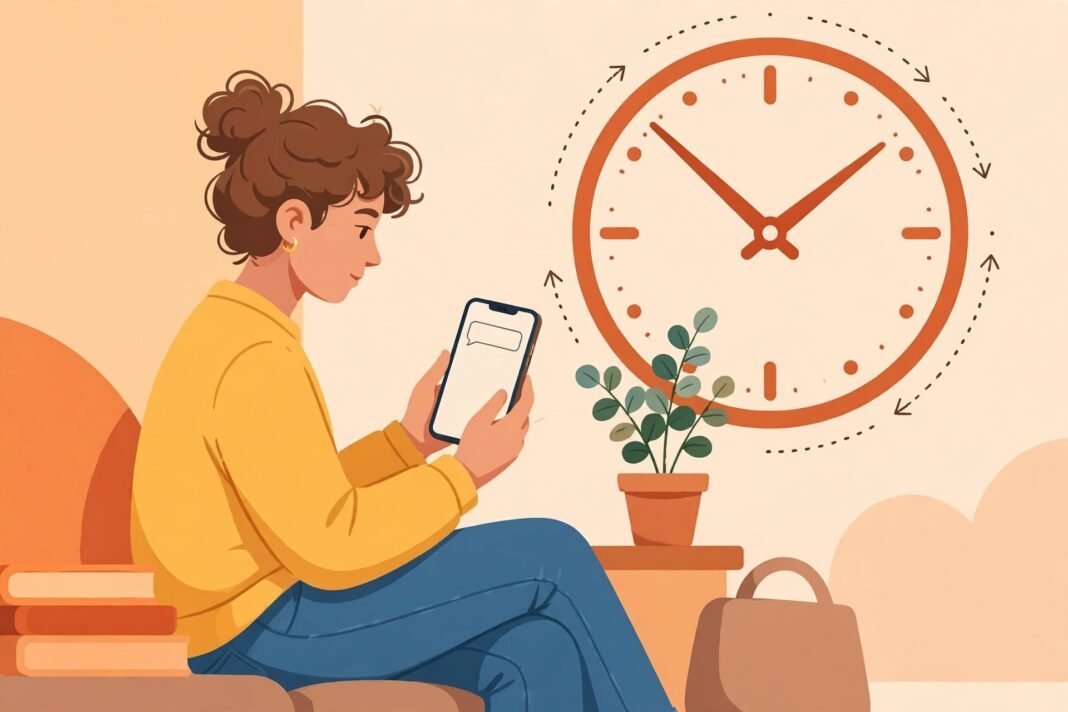
Requesting code after code can actually make things worse. Most services limit how many codes they send within a short time. If you tap resend again and again, the service may lock new codes for a while. So wait fifteen to thirty minutes, then request just one code. Patience sounds dull, however it is often the fastest fix of all.
Roaming can slow a code down as well. When you travel, your texts pass through a foreign network before they reach your phone. As a result, a code may arrive very late, or the service may not send it abroad at all. If you can, choose the email or app option while you travel instead. Finally, check your phone clock if you use app-based codes. Authenticator apps match each code to the exact time, so a wrong date or time breaks them. Set your phone to automatic date and time, and the codes usually start working again.
If none of these checks works, restart your phone and try once more. A restart clears small software faults and forces a fresh network connection. Then request a single new code and give it a few minutes to arrive. If the problem still continues, contact the service and ask which number it holds for you. Support staff can also tell you if the service blocked your number by mistake. In most cases, though, one of the checks above solves the problem first.
Quick Fixes to Try First
- Turn airplane mode on and off to reconnect your phone.
- Move to a spot with a stronger signal.
- Check the spam and blocked folders in your messages app.
- Delete old texts if your message store is full.
- Wait thirty minutes, then request one new code only.
- Set your phone clock to automatic date and time.
Stay Safe When a Code Does Arrive
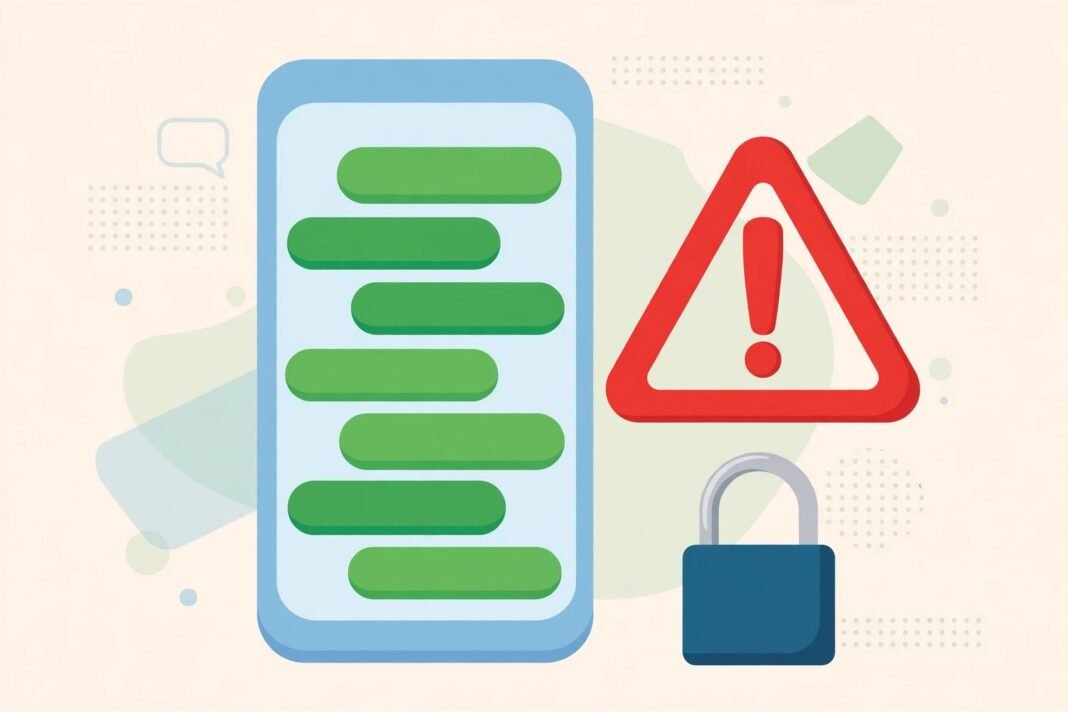
Above all, remember one simple rule: a code is private. A real bank never asks you to read a code out loud or share it by phone, text, or email. Anyone who asks for your code is trying to get into your account. So never share it, even if the caller sounds official, polite, and urgent. If a code arrives when you did not request one, treat it as a warning sign instead. Someone may be testing your password, so check if your password was leaked online straight away. Then change that password, using these simple tips on how to create a strong password and remember it. In addition, turn on two-step verification wherever a service offers it, because it adds a strong second lock. Also, save backup codes or a second sign-in method when a service offers them, because they help you get in when a text fails.
Most missing codes come down to signal, storage, filters, or simple timing. Work through the checks above in order, and you will usually be back in within minutes. Has an otp not received problem ever locked you out of an important account, and which fix worked for you in the end? Share your answer in the comments, so other readers can try the same fix too.