


Pakistan Map Clipart: Vector Art and Stylised Maps for Designs
Not every map needs to be a geography lesson. For YouTube thumbnails, presentation title slides, infographics and social posts, you want Pakistan map clipart — clean vector-style art of the country’s shape, ready to recolour, resize and drop into a design. This guide shows a stylised example, explains the formats, and covers the usage rules.
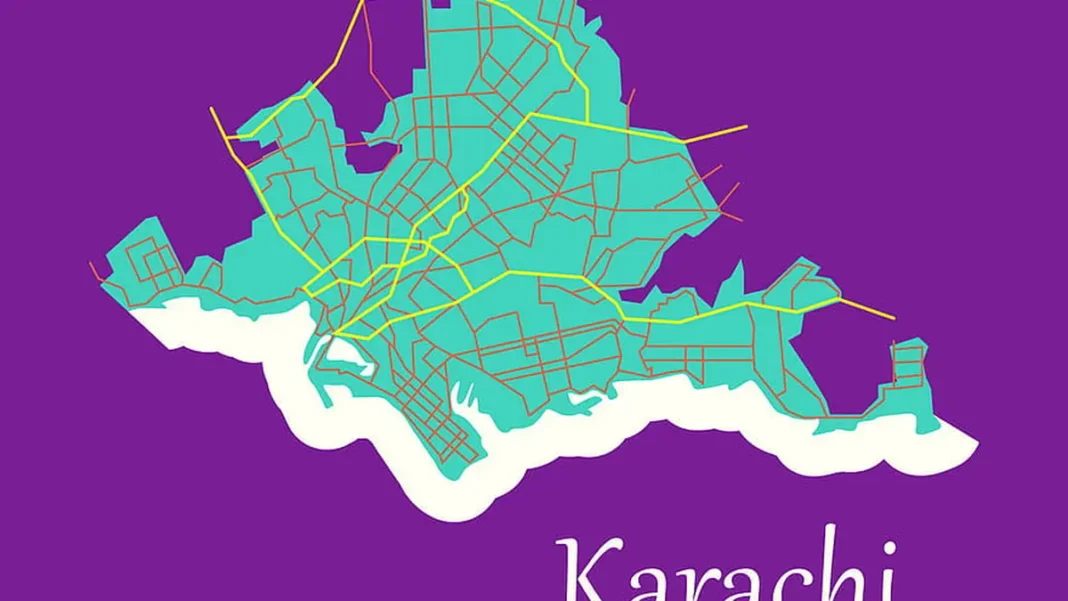
Quick answer: Pakistan map clipart is stylised vector art of Pakistan’s shape — flat colours, simplified streets or decorative styling — made for designs rather than navigation. The Karachi street-art map featured here shows the style: bold colours, simplified road lines, city name as the hero text. Use clipart for thumbnails, slides and posts; use a labelled political map when accuracy matters.
Clipart styles that work
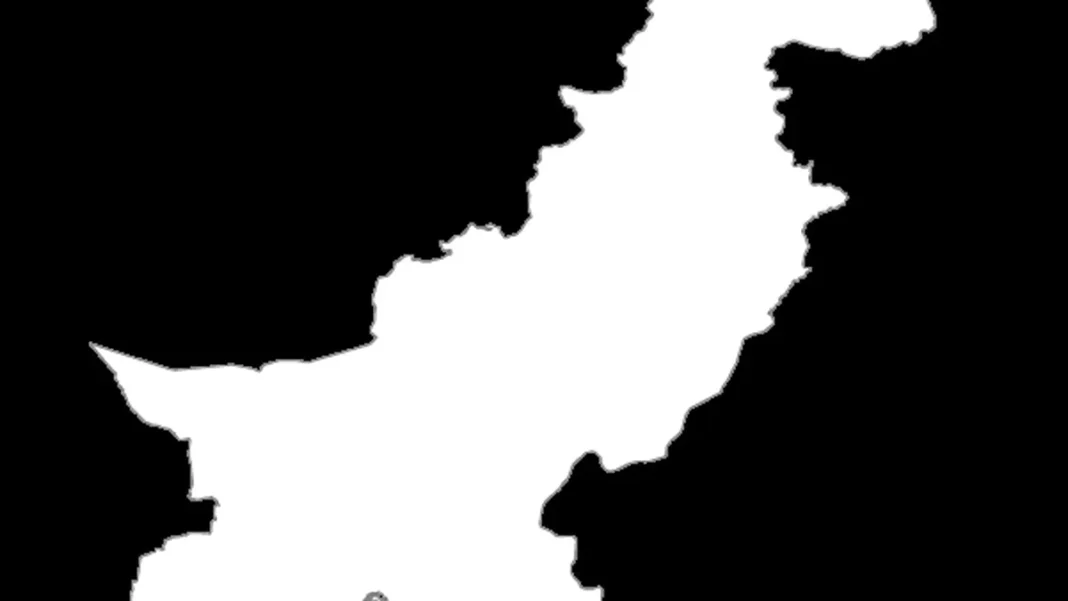
Map clipart comes in a few proven styles. Flat silhouette — a single-colour Pakistan shape — is the most versatile: it works as a watermark, an icon, or a background element. Street-art style, like the featured Karachi map, fills the shape with a simplified road network in contrasting colours — eye-catching for thumbnails. Gradient fill (green-to-gold is popular for Pakistani audiences) suits title slides. Dotted or line-art versions look modern in infographics. Whichever style you pick, check the shape first: cheap clipart often distorts the borders, and a wrong-shaped Pakistan undermines the whole design.
Formats: SVG, PNG, EPS
For design work, format matters more than resolution. SVG (vector) is the gold standard — infinitely scalable, tiny file size, editable colours in any vector editor. EPS/AI serve print workflows. PNG with transparency works when you just need to drop the shape onto a background, but check the pixel dimensions: a 500-pixel PNG will blur on a full-HD thumbnail. Avoid JPG clipart — the white background box ruins compositing. Our black-and-white silhouette also works as design raw material.
Design tips
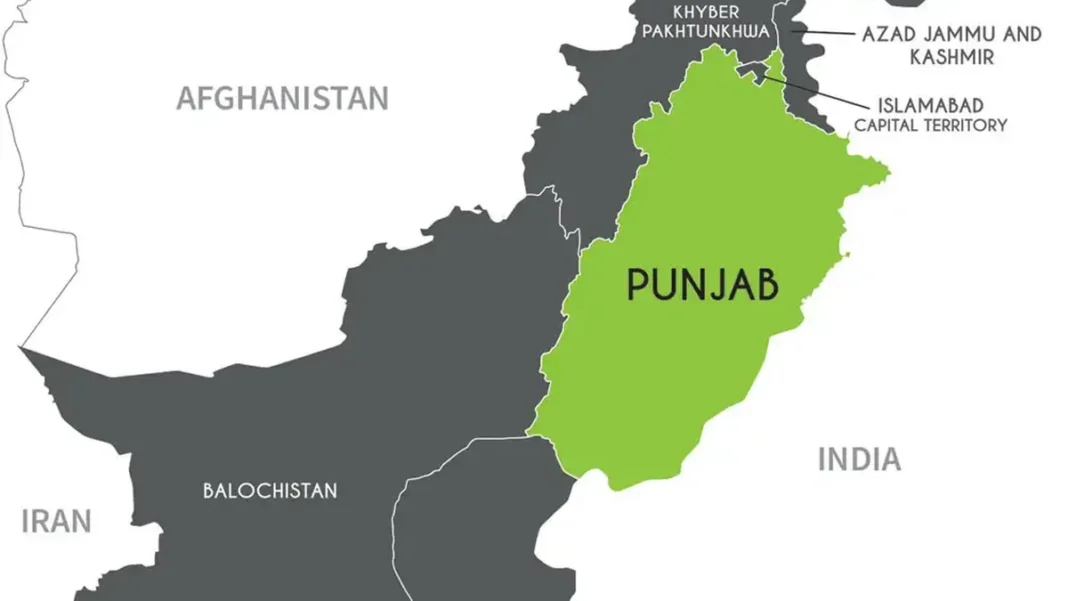
Three rules for using Pakistan map art well. First, keep the national colours honest — green and white read as “Pakistan” instantly; random neon palettes read as a tech startup. Second, don’t stretch the shape — scale proportionally or the borders look wrong to anyone who knows the country. Third, pair with the right map when it counts: a thumbnail can be stylised, but an infographic making factual claims should use or link an accurate map like our colour-coded picture map.
Licensing and credit
Clipart licensing varies: “free download” on a vector site usually means free for personal use, sometimes with attribution required, while commercial use may need a licence. The map art featured here is credited to its source below. As a rule: read the licence on the download page, credit the creator where required, and never strip watermarks — find a properly licensed alternative instead. For classroom handouts rather than designs, the blank outline map is the simpler choice.
Related Guides
Pakistan map clipart: FAQs
Where can I download Pakistan map clipart?
Vector sites offer Pakistan map art in SVG, PNG and EPS formats — search “Pakistan map vector”. Check the licence: many are free for personal use with attribution, commercial use may need a licence.
What format is best for a YouTube thumbnail?
A PNG with transparency at 1280×720 or larger, or an SVG you export yourself. Avoid JPG — its white background box shows on coloured thumbnails.
Can I recolour Pakistan map clipart?
Yes, if it is vector (SVG/EPS) — open it in a vector editor and change fills freely. Recolouring a PNG is possible but messier.
Is map clipart accurate enough for school use?
For decoration, yes. For assessed work, no — use our labelled map image or blank outline instead.