


Employers, banks, universities and visa officers all need to verify Pakistani passports — and holders sometimes need to prove their own document is genuine. This guide explains the legitimate verification channels and what to watch for.
Quick answer: Pakistani passports are verified through DGIP (for issuance records) and NADRA (for identity/biometric verification). Individuals can confirm their own application’s status via the DGIP tracker; third-party verification goes through official employer/bank verification channels, not public websites.
In this guide
For Individuals
If it’s your passport: the DGIP online tracker (token/CNIC) confirms your application’s legitimacy and stage. Once issued, your passport’s machine-readable zone and biometric chip (e-passports) are verified at borders automatically. If a passport is lost or stolen, report it to DGIP/police immediately so it’s flagged.
For Employers & Banks
Organisations verify through formal channels: NADRA’s biometric verification services and DGIP’s official verification correspondence — not through public “verification” websites, which have no access to government records. Requests typically need the holder’s consent and go through documented institutional processes.
Spotting a Fake
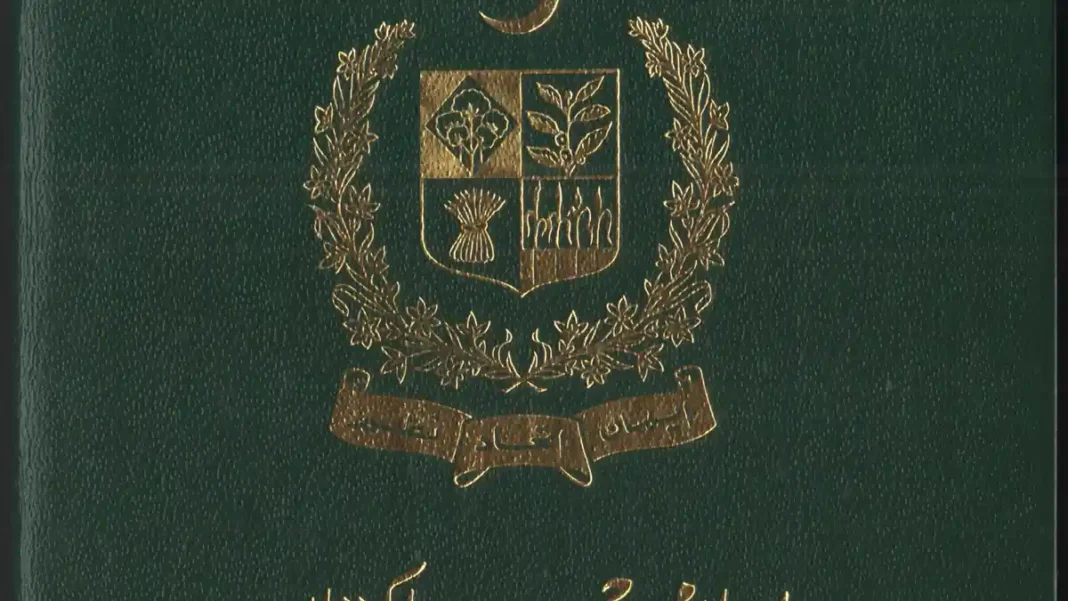
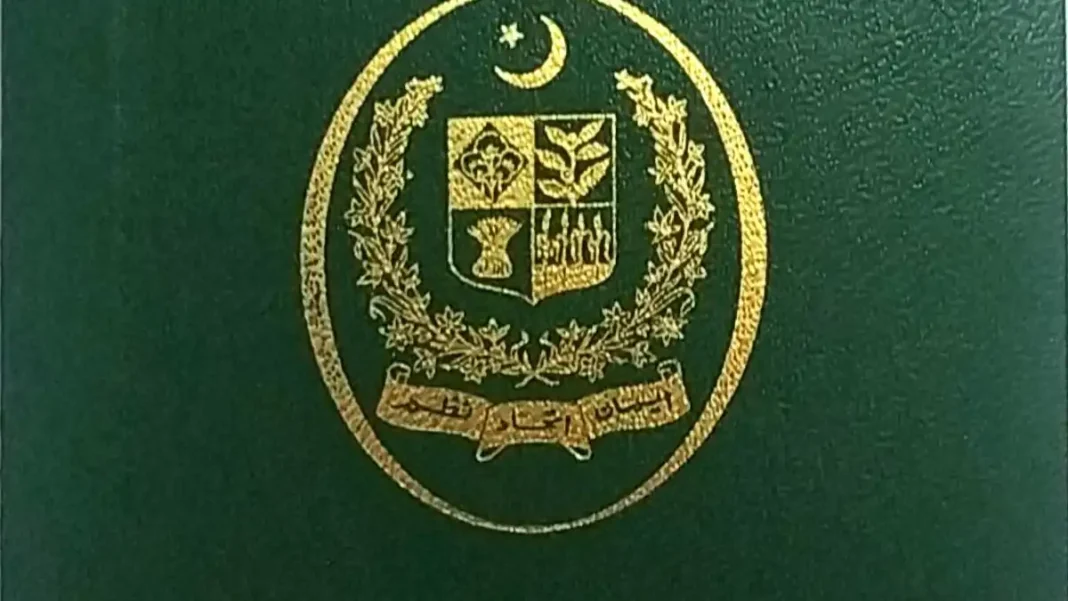
Genuine Pakistani e-passports have security printing, UV features and an embedded chip. Red flags: mismatched fonts, no chip (in e-passports), poor-quality emblem printing, or a seller offering “verification” for a fee on social media — that’s a scam. When in doubt, the issuing office (DGIP) is the authority. Related: passport numbers explained.
For Travellers: Protecting Your Passport
Your passport is a high-value target. Never send photos of your data page to “agents” on social media, never pay anyone for “verification”, and report loss immediately to police and DGIP so the document is flagged internationally. When travelling, keep a photo of your data page in secure cloud storage (separate from the physical document) — embassies can replace passports far faster with the number and details to hand.
Frequently Asked Questions
Can anyone verify my passport online?
No — there is no public portal where strangers can look up your passport. Verification is restricted to you (via the DGIP tracker), border authorities, and organisations using official NADRA/DGIP channels with proper authorisation.
How do I check if a passport is genuine?
Check security features (printing quality, UV marks, chip in e-passports) and, for official certainty, have it verified through DGIP or NADRA’s formal channels. Never trust social-media ‘verification agents’.