How to Apply for the PM Youth Chromebook Scheme
- Suggested slug: pm-youth-chromebook-scheme-apply-ibcc-portal-october-2026
- Category: National News
- Focus keyphrase: PM Youth Chromebook Scheme apply
- SEO title: How to Apply for the PM Youth Chromebook Scheme
- Meta description: The PM Youth Program is giving 500,000 Chromebooks to top-performing public-school students. Here is how to apply through the IBCC portal.
- Tags: PM Youth Program, Chromebook scheme, education, IBCC, students, digital learning, Pakistan, scholarships
- Original element: local service angle — a restructured, reader-friendly how-to with the unofficial-website fraud warning front and centre; placed in the Digital Pakistan context
- Date: Friday, 2026-10-23
The Prime Minister’s Youth Program is preparing to distribute 500,000 Chromebooks to students across Pakistan as part of a wider push to improve access to digital learning and technology.
According to the program, the initiative is aimed at helping students access online education, research tools, digital resources, and other technology-based learning opportunities. The initiative is also linked to the government’s broader Digital Pakistan vision, which focuses on expanding the use of technology in education and other sectors.
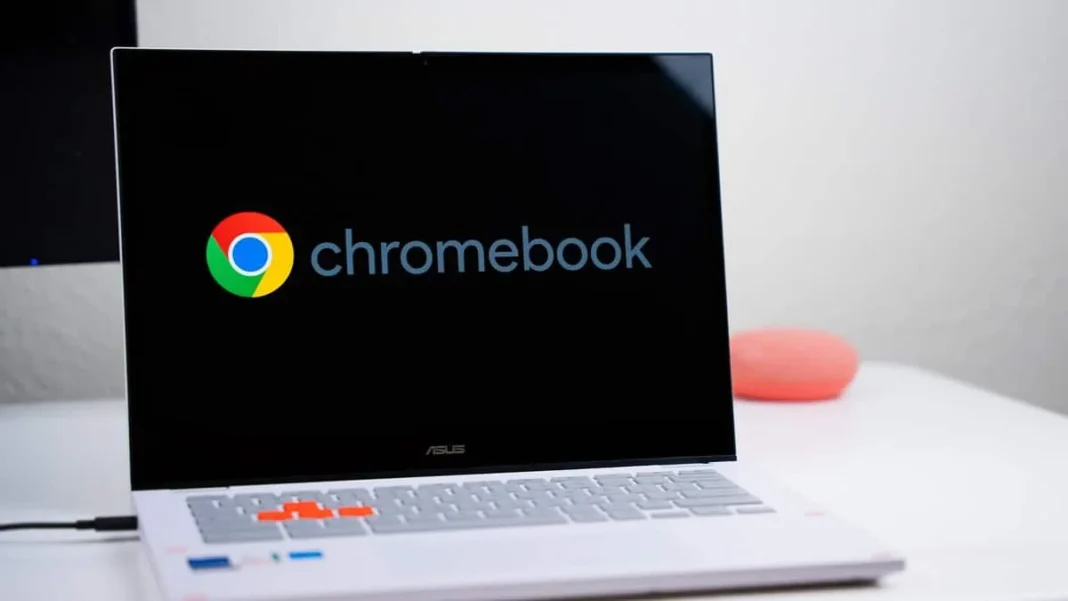
Chromebooks are lightweight laptops powered by Google’s ChromeOS operating system. They mainly rely on web-based applications and can be used for online classes, research, document preparation, assignments, and other educational tasks.
Who can apply
Eligibility under the scheme depends on the student’s education board and academic performance.
For education boards in Punjab, Sindh, Khyber Pakhtunkhwa, and Balochistan, top-performing Grade 9 (SSC-I) students from government and public schools are eligible for consideration.
For Islamabad Capital Territory, Azad Jammu and Kashmir, and Gilgit-Baltistan, top-performing students from both Grade 9 (SSC-I) and Grade 10 (SSC-II) are being considered.
Students from private schools are not included under the eligibility criteria currently published on the official portal.
How to apply: step by step
Students interested in the scheme can check their eligibility and application details through the official Prime Minister’s Youth Chromebook Scheme portal managed by the Inter Boards Coordination Commission (IBCC) at pmychromebooks.ibcc.edu.pk. Use the official portal only — entering personal information on unofficial websites risks fraud.
The entire process takes place online, and students should keep their academic and identification details ready before starting the application.
Step 1: Visit the official portal. Open the PM Youth Chromebook Scheme website at pmychromebooks.ibcc.edu.pk.
Step 2: Select your education board. Applicants must select the education board under which they appeared in their examination. Choose the correct board because the system checks information against records submitted by that board.
Step 3: Enter your identification details. The portal allows applicants to search their record using a CNIC or B-Form number, roll number, or registration number. Enter the same information that appears in the official education board record — mismatched details may prevent the system from locating the record.
Step 4: Enter your date of birth. Enter the date exactly as it appears in the official academic or identification record.
Step 5: Click “Find My Record”. The portal will search the database and compare the information with records submitted by the relevant education board.
Step 6: Check the displayed record. If the system finds a match, it will display the student’s information. Review the name, school, examination information, and other details carefully to make sure they match official records.
Step 7: Try another search option if the record is not found. If the portal does not find a record using the CNIC or B-Form number, try again using the roll number or registration number. Students who still cannot locate their record should contact their respective education board.
Step 8: Continue with the application. Once the portal identifies the record, proceed with the remaining requirements, including uploading the necessary documents.
Documents required
Applicants need a recent colour photograph, the relevant SSC-I or SSC-II mark sheet, an attested copy of their CNIC or B-Form, and an attested copy of their father’s or guardian’s CNIC.
Upload the photograph in JPG or PNG format; the remaining documents can be JPG, PNG, or PDF. Each file must stay within the 300 KB size limit on the portal, and documents should remain clear and readable after resizing.
Submitting the application
Review all personal information and supporting documents before submitting — the portal does not allow applicants to edit information directly after submission. Once submitted, the system generates a reference number and an application slip. Download and keep the slip as the record of submission.
Each student can submit only one application, so incomplete or incorrect information should be fixed before the final submission.
Deadlines and missing records
The official portal does not currently display one nationwide application deadline for all education boards. Individual boards may issue their own schedules, so students should regularly check announcements from their respective board and avoid relying on unofficial social media posts for dates.
A missing record does not necessarily mean wrong information was entered. The portal uses data supplied by education boards, so if none of the search options work, the student should contact the relevant board for assistance.